Body transformation tracker

Progress photos, tape measurements and weigh-ins in one private vault on your phone. Compare check-ins side by side or as a ghost overlay, and see change the scale can’t.

No account. No uploads. Your photos never leave this device.

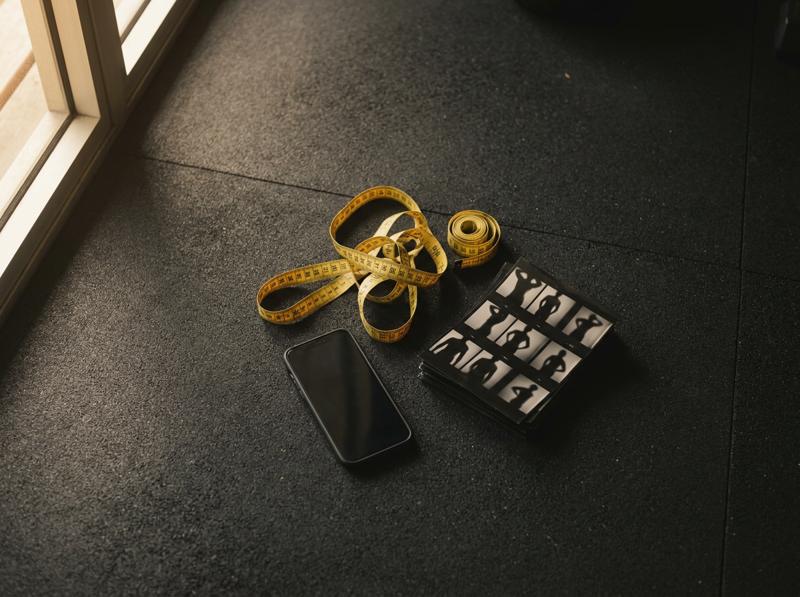
A yellow tailor’s tape measure coiled on a gym floor beside a phone and a contact sheet of progress-photo silhouettes

Three signals, because each one lies on its own

Progress photos

Lay this month over last month like a film negative. A ghost overlay shows a waist that came in by two centimetres, which two pictures next to each other hide. Swipe mode, alignment and a shareable before-and-after JPG are built in.

How to shoot photos that compare fairly →

Why the scale can stand still while you change

Muscle is denser than fat. Lose three kilos of fat and gain two of muscle, and the scale shows one kilo while your waist shrinks noticeably. Drag it yourself:

Loading…

More in the body recomposition guide. For clear explanations of how things happen, try ahaboo, a free site of visual explainers built on trusted sources.

Guides

Short, sourced and interactive where it helps.

AI check-in: a plain-English read of your numbers when you can’t tell fat loss from water. Sends numbers only, never photos.

Private by design

Progress photos are about the most personal pictures on your phone. PhysiqueVault stores them in your browser’s own storage and never uploads them. There is no account to breach and no server holding your body. The trade-off: clearing your browser data clears the vault, so use the backup export on the privacy page.

Questions people ask

Is PhysiqueVault free? Do I need an account?

It is free and there is no account. Everything you log is stored in your own browser on this device. That is the “vault”.

Where are my progress photos stored?

In your browser’s IndexedDB storage on this device. Photos are resized on your phone and never uploaded to any server. The optional AI check-in sends only a text summary of your numbers, never photos.

Can I use it on my phone and computer?

Yes, on each separately. Because nothing is synced to a server, use Export on the Privacy page to download a backup of your weigh-ins and measurements and import it on another device. Photos stay on the device where you added them.

What should I track during a body transformation?

Three signals: a 7-day average of daily weigh-ins, tape measurements every 2–4 weeks (waist first), and progress photos under identical conditions every 2–4 weeks. Each one covers the blind spots of the others.